Parking Lot Information
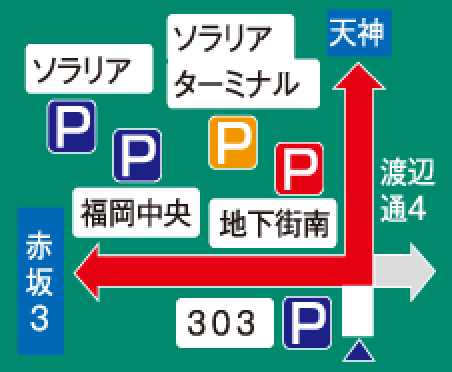
The locations of parking lots, service areas, and parking areas as well as parking space availability are indicated by icons on the car navigation screen.
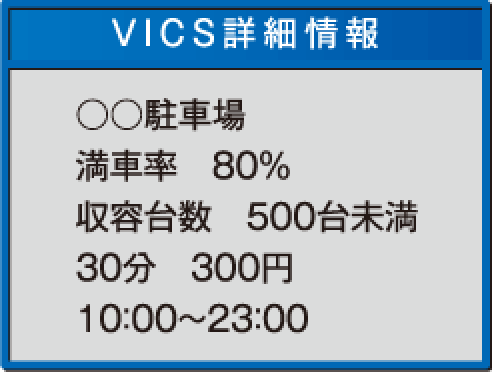
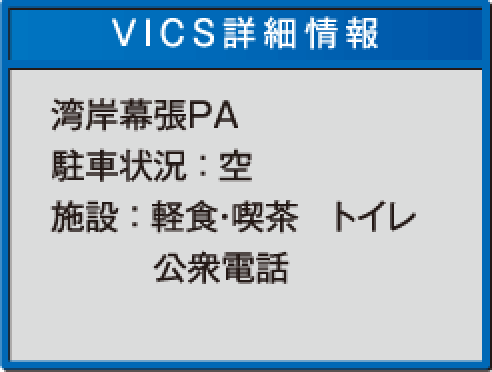
Touching the icons shown on the screen allows the user to access more detailed information, including business hours, fees, and vehicle capacity.

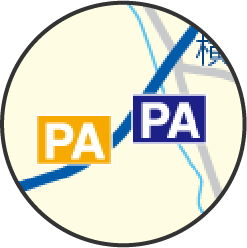
Service areas and parking areas are indicated by icons
that say “SA” and “PA” respectively.

-
The display settings of car navigation systems can be changed to display or hide parking lot information.
For more information, please refer to the user’s manual for your car navigation system.
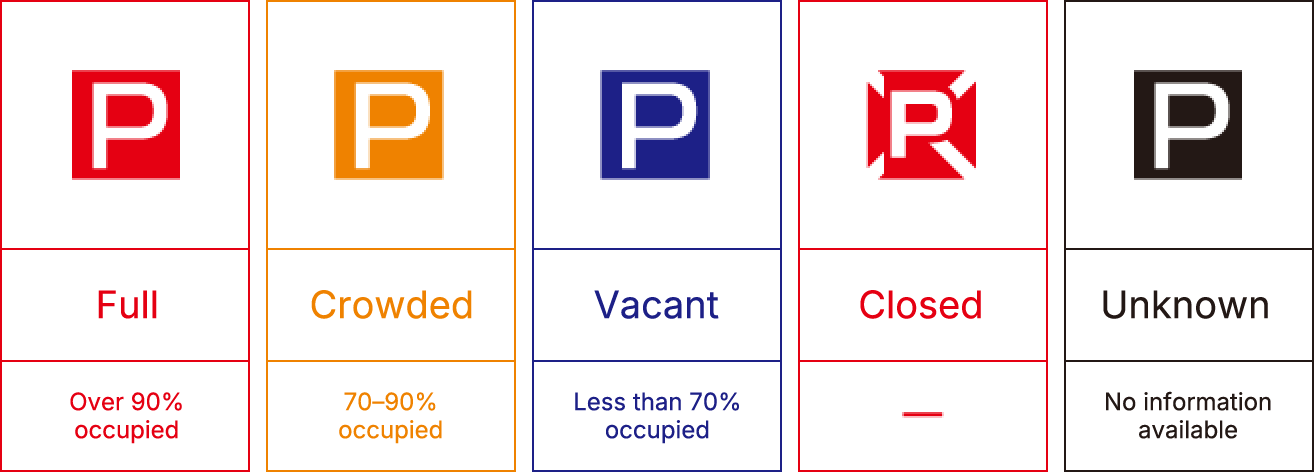
 Parking lot icons according to congestion level
The color of the icons indicates congestion status.
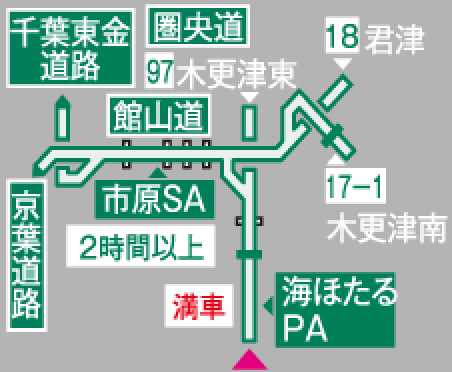
Example of Simple Graphical Display
The simple graphical display also provides information related to parking lots, service areas, and parking areas.