

Information Display
VICS information is displayed by car navigation units using three methods: map display (level 3), simple graphics (level 2), and text (level 1). The information displayed may vary according to which communication channel is used (FM multiplex broadcast, radio beacon [ETC 2.0], or infrared beacon).
 Map Display (level 3)
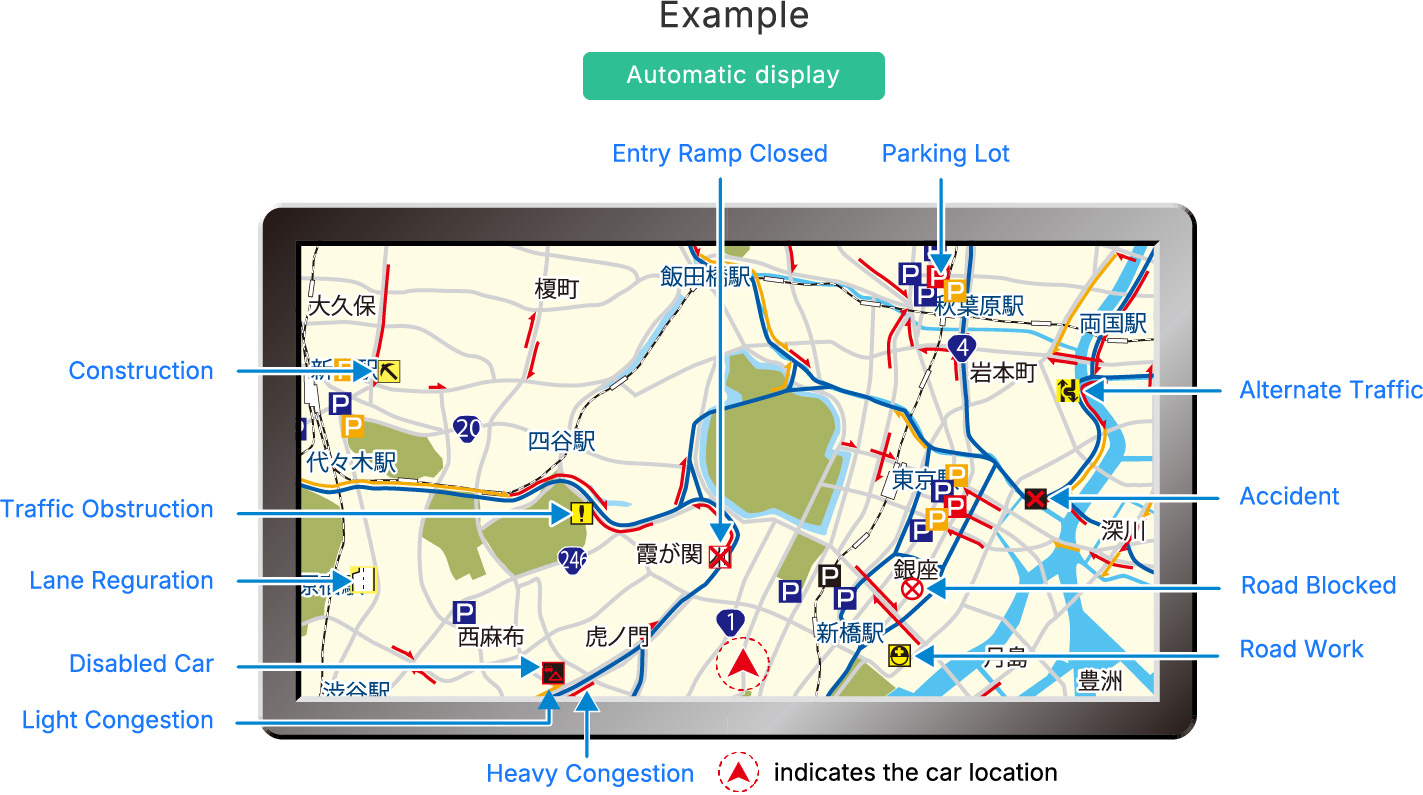
VICS information, such as congestion and traffic restrictions, is automatically displayed on the car navigation system’s map.
By showing at a glance the traffic conditions within a certain range based on the vehicle’s location, this display mode is useful for selecting routes that avoid congestion.
Simple Graphics (level 2)
VICS information is displayed on the car navigation screen using simple graphics and text that follow a schematic look.
Example
-
FM multiplex broadcasting

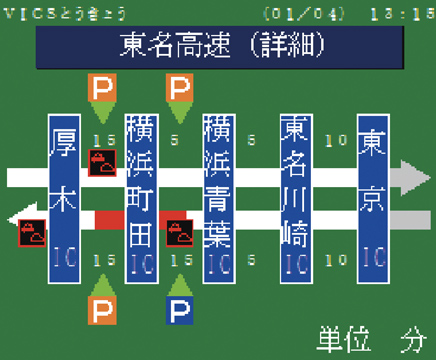
Areas the driver wants more information about can be selected from the menu.
Ordinary roads
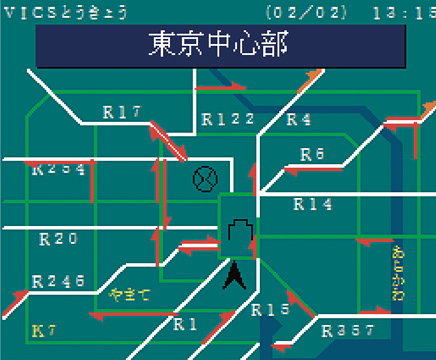
Intercity expressways
-
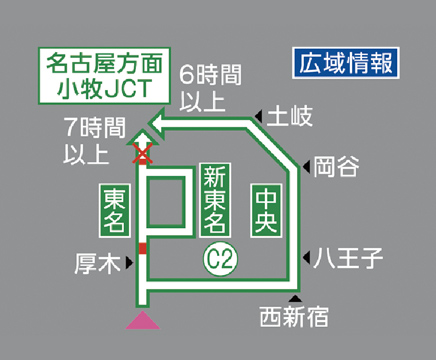
Radio wave beacons (5.8 GHz) / ETC 2.0

The status of parallel ordinary roads is also provided.
Urban expressways
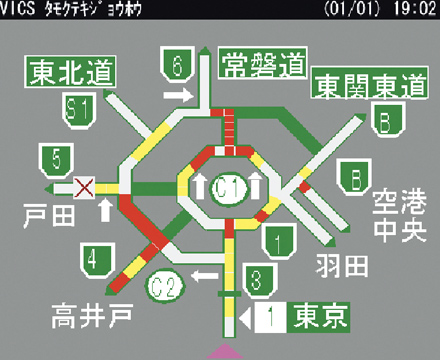
Intercity expressways
-
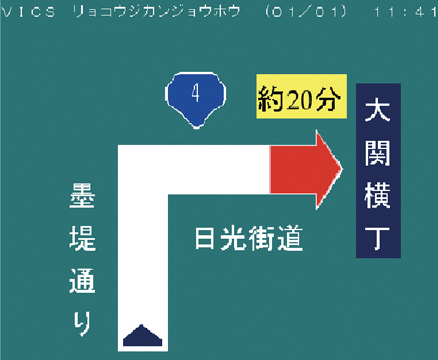
Infrared beacons
Information about the road ahead of the vehicle is provided on the basis of the vehicle’s location.
Ordinary roads ①
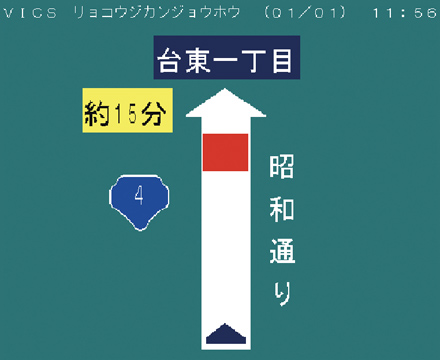
Ordinary roads ②
Text Display (level 1)
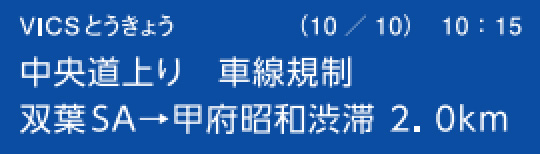
VICS information of up to 30 characters (two rows of 15 characters) can be briefly displayed on the car navigation screen.
Example
-
FM multiplex broadcasting
Wide-area information is available on an area-specific basis.
Ordinary roads

Intercity expressways
-
Radio wave beacons (5.8 GHz) / ETC 2.0
Information is provided on the basis of the vehicle’s location.
Urban expressways

Intercity expressways

-
Infrared beacons
Information is provided on the basis of the vehicle’s location.
Ordinary roads ①

Ordinary roads ②


-
VICS information display functionality may vary according to the car navigation unit model.
For more information, please refer to the user’s manual for your car navigation system.